
Caffeine
Caffeine is a tiny free Windows utility from Zhorn Software that keeps your computer awake and stops the screen from locking or sleeping.
306.0 KB

CCleaner is Piriform's utility suite for removing temporary files and cleaning up Windows. The free edition covers basic cleaning.
Average 0.0 · ratings: 0
Thank you! Your rating is saved; you can change it. Could not save the rating. Please try again later. Too many ratings from your network today. Please try again tomorrow. The average appears after 5 ratings.
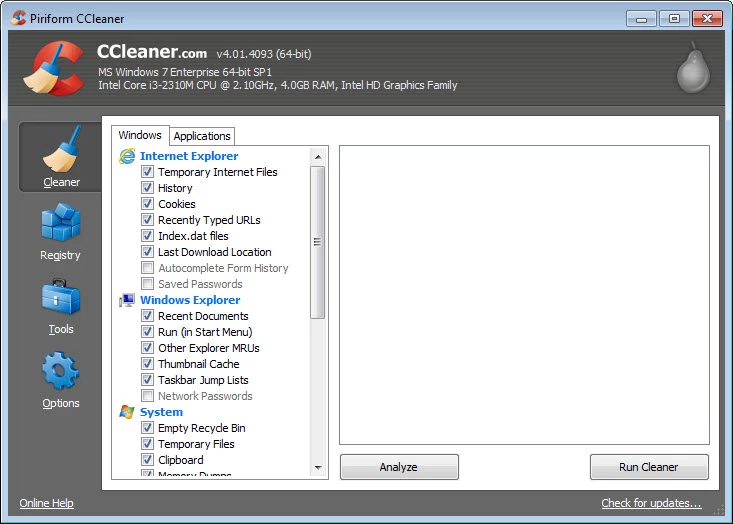
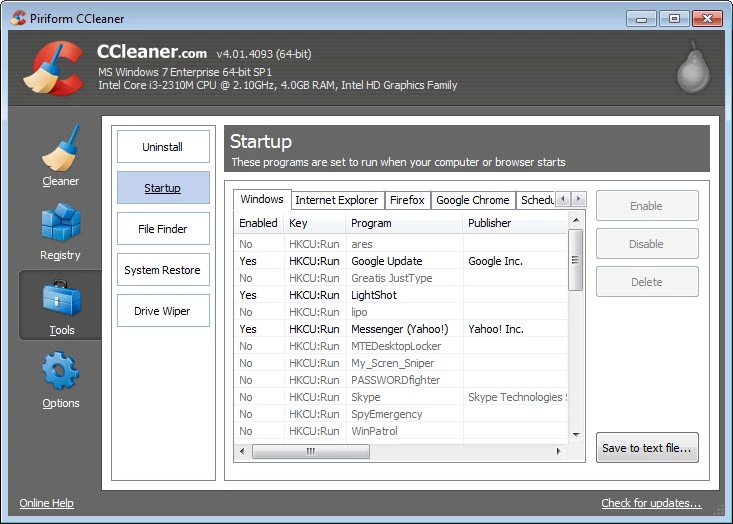
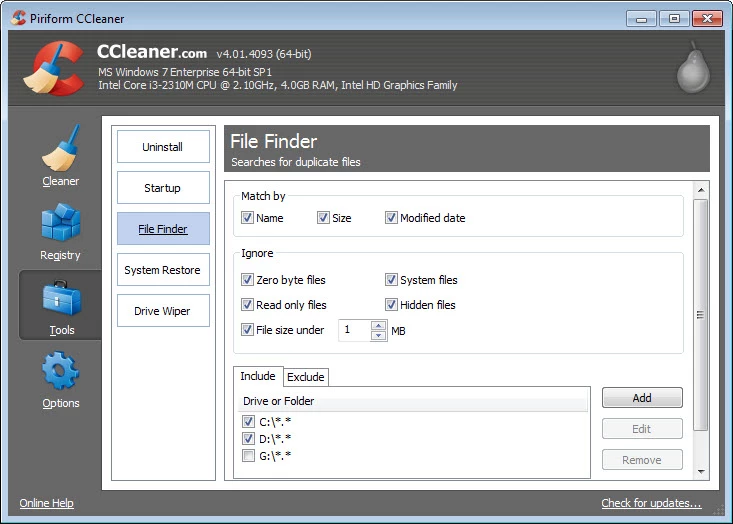
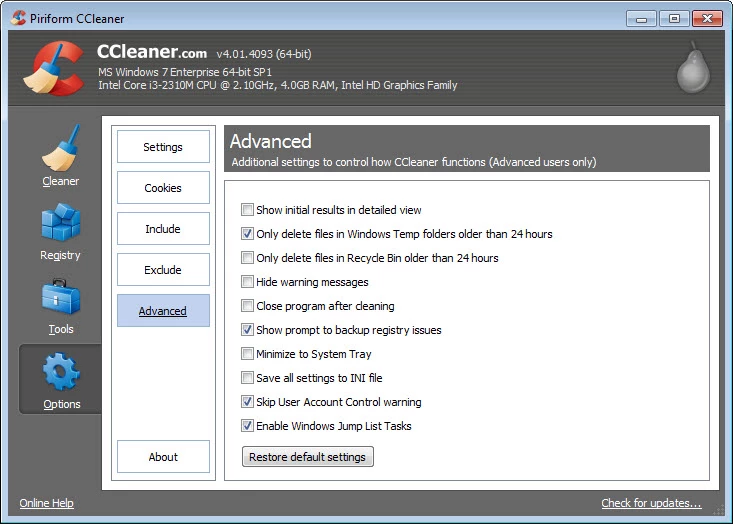
CCleaner 7.11.1509 is Piriform's suite of utilities for cleaning the disk and the Windows environment. It removes temporary files and traces left by browsers and programs, and you can download it from the official CCleaner website; the first version appeared in 2006.
| Item | Details |
|---|---|
| Version | 7.11.1509 |
| Developer | Piriform |
| Systems | Windows; also available for macOS and Android |
| Architectures | IA-32, x86-64 |
| Languages | multiple, including English, German, Spanish, French and Brazilian Portuguese |
| Written in | C++ |
| Legacy line | 6.41.11567 |
| Size | about 127.21 MB according to catalogue data |
Over time Windows collects files nobody needs: browser caches, temporary installation files, logs and leftovers from programs you removed. CCleaner scans for these, shows how much space they take and deletes them after you confirm. It is classed as utility software with a focus on data erasure, which also makes it useful before you hand a computer to someone else. The benefit is real but modest: freeing disk space helps when a drive is nearly full, while on a healthy system with plenty of room the speed difference is small. The most useful habit is to review what it wants to remove instead of accepting every default, because clearing browser data also signs you out of websites.
Release notes for each version are on the version history page.
Close browsers before cleaning so their files are not locked. Be cautious with registry cleaning in any tool: the gain is tiny and a wrong deletion can break a program, so back up first if you use it. Create a restore point before large clean-ups. Download CCleaner only from its official site, because cleaning tools are frequently imitated by fake optimisers full of adware.
There is no need to run a cleaner every day. Once a month, or when Windows warns that a drive is almost full, is enough for most people. Temporary files come back quickly, and browsers rebuild their caches the next time you visit a site, so constant cleaning mostly makes pages load more slowly for a while. If disk space is the real problem, uninstalling programs you no longer use and moving large videos or photos to an external drive usually frees far more room than any cleaning pass.
The free edition covers basic cleaning. Paid editions add more features; compare them on the official site before buying.
Our listings include Advanced SystemCare Free for system maintenance and Mem Reduct for freeing memory. Windows also has its own Disk Cleanup and Storage Sense tools.
Caffeine is a tiny free Windows utility from Zhorn Software that keeps your computer awake and stops the screen from locking or sleeping.
Windows 10 Update Assistant is a free Microsoft tool that updates a Windows 10 PC to the latest feature update without waiting for Windows Update.

Mem Reduct is a tiny open-source Windows utility by Henry++ that shows memory usage in the tray and frees RAM on demand or automatically.

Advanced SystemCare Free is a Windows optimisation suite from IObit that cleans junk files, manages startup items and monitors resource use.

MSI Kombustor is a free graphics card stress test and benchmark from MSI, used together with MSI Afterburner to check stability.

GS Auto Clicker is a tiny free Windows program from goldensoft that clicks the mouse automatically at a set interval, started and stopped with a hotkey.

Custom Resolution Utility (CRU) is a tiny free Windows tool by ToastyX for adding custom resolutions and refresh rates to monitors.

NZXT CAM is NZXT's free Windows app for its PC hardware, used to keep an eye on the computer and manage compatible NZXT components.